Autoplay
Autoplay with a child lock.
Tap play, and the app shows one thing after another from the world that’s open. Slide the lock, and your child can watch and listen—without tapping away.


Tap play. The rest takes care of itself.
Open a world and tap the play button. After a quick 3, 2, 1, the app opens a random thing from that world, shows it for 5 to 15 seconds, pauses for a moment and moves on to the next. It keeps going until you stop it.
A lock made for grown-up hands.
While autoplay is running, a small switch sits in the bottom right-hand corner. Slide it more than halfway to the right to lock. A tap or a slap won’t move it, and little hands rarely slide it that far by accident. Slide it back to unlock.
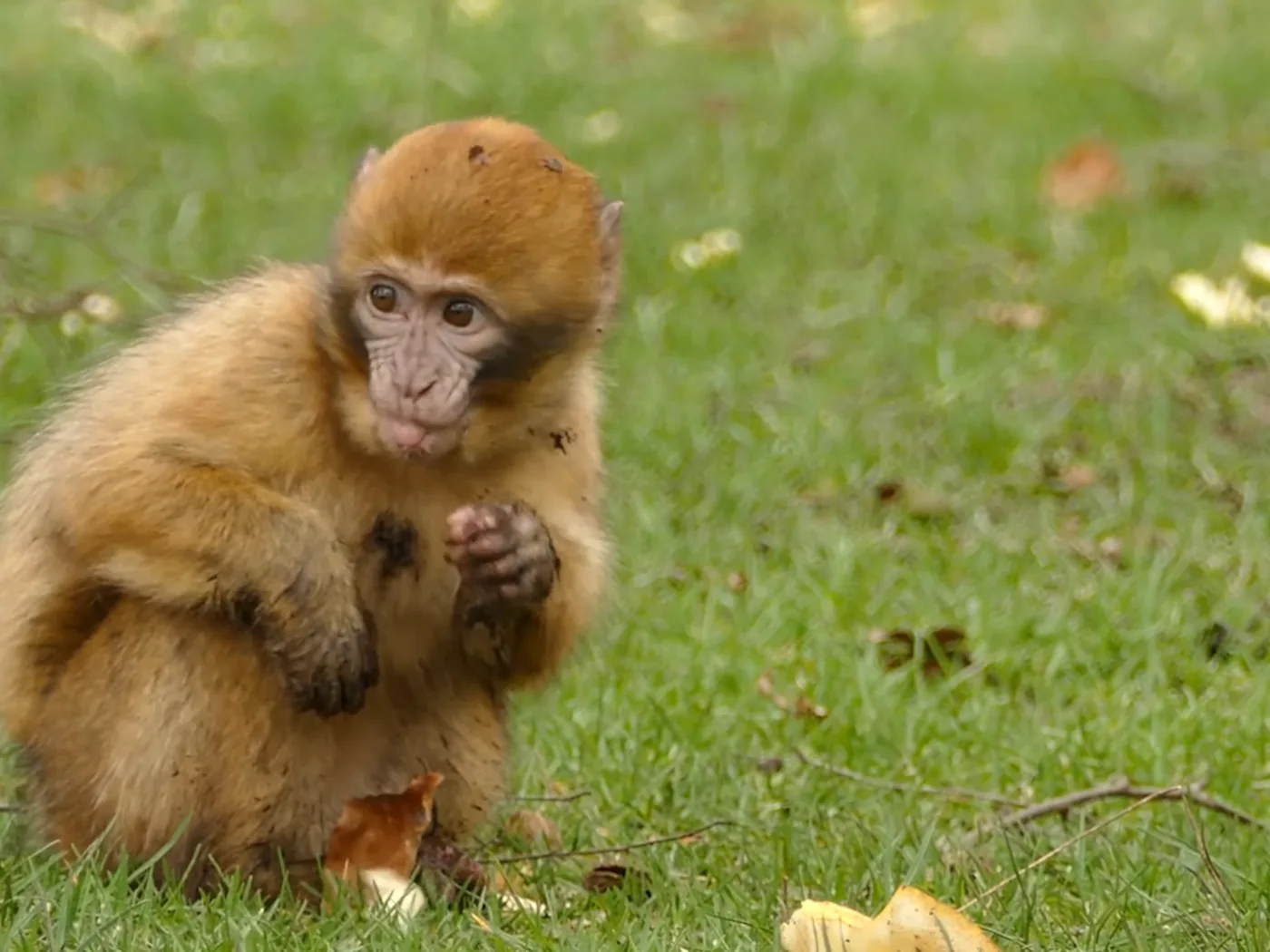


When the lock is on.
Your child sees and hears everything
Photos, video and sound carry on as before. Taps simply do nothing.
No buttons to hit
The back button and the play button disappear, so there’s no way out of autoplay inside the app until you unlock. To stop little fingers leaving the app altogether, use Guided Access or app pinning (see Help).
Included in the free version
Autoplay and the child lock cost nothing extra. In the free version the countdown keeps running, even with the lock on, and the parent check appears when it runs out.
For the moments when you need both hands.
Dinner needs to get on the table. The baby needs rocking. The plane is about to land. Autoplay gives your child something calm and real to watch, and you a few minutes for what needs doing.





Ready for the first tap.
Free to download for iPhone, iPad and Android. All the content is open from day one.